Guide
Best group leads software in 2026: what to look for
Group leads software runs the gap between Facebook join requests and your email list, CRM, or sales team. Some tools only extract emails. Others give you a full pipeline. This guide explains the difference.
Updated June 2026 · 14 min read
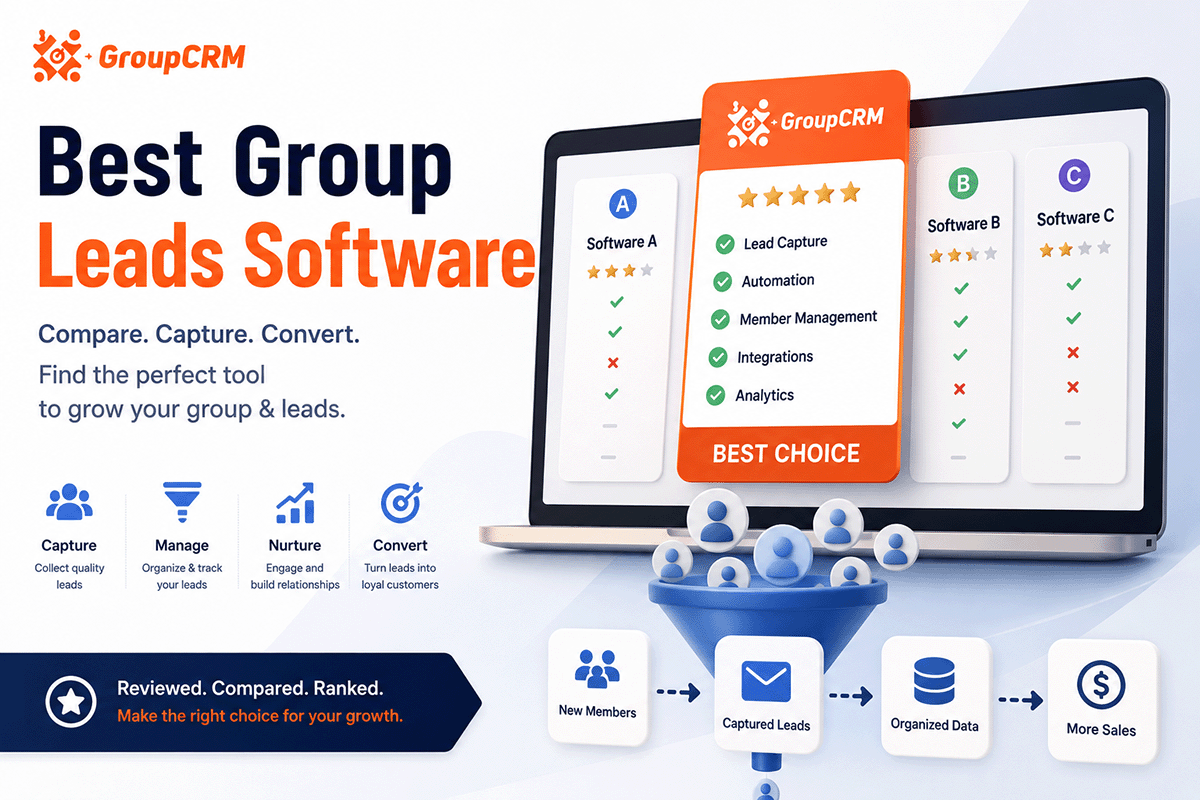
What group leads software actually does
A basic lead extractor pulls email from Facebook group join requests and dumps it into a spreadsheet or autoresponder. Done. Useful for small groups with light traffic.
Full group leads software does more: captures full request data (profile, screening answers, account age, mutual friends), scores each lead, lets you tag and segment, auto-approves or declines by rules, sends Messenger templates, and syncs to Google Sheets, Zapier, or your own API.
If you treat your Facebook group as a sales pipeline, you want the second category. If you just need a weekly CSV of emails, the first may be enough.
Seven things to evaluate
- Lead capture depth. Email only, or full profile + screening Q&A + phone extraction?
- Lead scoring. Can you rank requests 0–100 and sort hot leads first?
- Rule builder. Per-group conditions: email required, account age, keywords, custom answers?
- Messaging. Welcome, pre-approval nudge, and decline DMs with variables?
- Integrations. Sheets, Zapier, Make, n8n, webhooks, direct API?
- Ban-safe pacing. Human-like delays and caps on every action?
- Agency features. Multi-group dashboard, white-label, client sub-accounts?
Score each tool 1 to 5 on these. The winner for you is the one that hits your top three priorities.
Lead capture depth in practice
Ask: does the tool store screening answers as structured fields you can search later? Can it extract phone numbers from messy text? Does it dedupe the same person across two groups? Shallow capture means you still open Facebook to read answers.
Rule builder in practice
Can you require email AND minimum account age AND block keywords in one rule chain? Can Group A differ from Group B? Some tools only offer global approve-all with a single filter.
Integrations in practice
Sheets-only is fine for solo admins. If you run paid ads into the group and need same-day CRM sync for sales calls, you need webhooks or native API on your plan tier, not a $99 upsell.
Three tiers of group leads tools
Tier 1: Manual + spreadsheets
Copy-paste from Facebook into Google Sheets. Free except your time. Breaks around 20 requests per day.
Tier 2: Lightweight extractors
Chrome extensions focused on approve-all + email to Sheets + autoresponder. Fast setup. Less control over scoring, rules, and spam filtering.
Tier 3: Full group leads software
Dashboard, scoring, per-group rules, messaging, webhooks. Higher setup time, lower ongoing manual work. Built for admins running Facebook groups as a business.
Tool-by-tool breakdown
GroupCRM
Best for: Course creators, coaches, agencies running multiple groups as lead pipelines.
Pros: Lead scoring (0–100), per-group rule builder, full CRM dashboard, ban-safe worker, webhooks on every plan, white-label for agencies. Every feature on Starter ($19/mo).
Cons: Chrome must be running for background automation. Newer brand than some competitors.
Pricing: Starter $19 (1 group), Pro $29 (3 groups), Unlimited $49. 7-day trial.
Group Leads (groupleads.net)
Best for: Admins who want approve-all + email capture + Mailchimp/ConvertKit sync with minimal setup.
Pros: Long track record, strong autoresponder integrations, no Zapier required for some flows, 30-day refund.
Cons: No lead scoring, limited CRM dashboard, less granular per-group rules, no white-label.
Real-world fit: a fitness coach with one 4,000-member group who runs a challenge twice a year and wants emails in Mailchimp within minutes of approval. Less fit: an agency with six client groups and different rules per client.
Pricing: Varies by plan. See our GroupCRM vs Group Leads comparison for a feature table.
GroupCRM (deeper look)
Built for admins who treat join requests as pipeline. Lead scoring surfaces who to call first. Per-group rules let a strict B2B group and a loose community group coexist under one login. Ban-safe worker runs approvals with gaps between actions.
Every plan includes webhooks, API, Sheets, Messenger templates, and auto-decline. You pay for group count, not feature unlocks. White-label available for agencies reselling group management.
Tradeoff: Chrome needs to stay open for background automation. That is standard for Facebook group tools because Meta does not offer a public group admin API.
Chatsilo
Best for: Admins who care more about Messenger tagging and chat organization than join-request lead capture.
Pros: Tagging in Messenger, conversation management.
Cons: Not full group leads software. Often paired with another tool for approvals and lead capture.
Manual Sheets + Zapier
Best for: Under 10 requests per week, zero budget.
Pros: Free (minus Zapier tasks). Full control.
Cons: Does not scale. No auto-approve. High error rate when VAs copy emails wrong.
Implementation checklist
Regardless of which group leads software you pick, this sequence works:
- Audit current request volume per group for one week. Write down average daily pending count.
- Rewrite screening questions (email in question 1).
- Install extension, connect groups, do not automate yet.
- Export or review 50 historical requests. Define pass/fail criteria.
- Build rules, test, enable automation on lowest-risk group.
- Connect Sheets or webhook to email platform.
- Document SOP for your VA or team.
Most admins finish steps 1 to 5 in one working session. Integrations often take another hour if Zapier is involved.
Migrating from manual workflow or another tool
Switching group leads software mid-month is normal. Export your existing Google Sheet as backup. Pause automation on the old tool before enabling the new one so you do not double-approve.
If you used Group Leads or similar, your historical data stays in Sheets. New requests flow through GroupCRM going forward. You do not need to migrate old rows unless you want one unified CRM view.
Run both tools in parallel for 48 hours on a low-volume group if you are nervous. Compare capture rates and false decline counts. Then cut over.
Decision tree
- → Under 10 requests/week, no budget? Manual Sheets.
- → Need email to autoresponder fast, one group, no scoring? Group Leads or similar extractor.
- → Multiple groups, different rules, lead scoring, webhooks? GroupCRM or equivalent full group leads software.
- → Agency reselling to clients? White-label group leads software (GroupCRM white-label program).
Pricing patterns to avoid
- - Feature gating. Auto-approve on Pro only, webhooks on Enterprise. You pay triple for basics.
- - Per-member fees. Your group grows, your bill grows. Prefer flat group-count pricing.
- - Hidden Zapier tax. Tool looks cheap but needs Zapier for every integration.
- - Annual-only lock-in before you have tested on your actual groups.
GroupCRM charges by active group count only. Starter, Pro, and Unlimited all include every feature.
Who needs full group leads software vs a simple extractor
Simple extractor is enough if: you run one group, approve most requests, mainly need emails in Mailchimp, and spam is rare.
Full group leads software is worth it if: you run ads into the group, sales follows up on hot leads same day, you manage multiple groups with different standards, or you need webhooks into a custom stack.
Course creators launching quarterly often start simple and upgrade after the first launch when request volume spikes and VAs cannot keep up. Coaches with evergreen funnels tend to need full software from day one.
Security and data ownership
Ask where member data lives. Some tools store subscriber data on their servers. Others keep data in your browser session and sync to your Sheet only. Read the privacy policy before connecting a client group.
GroupCRM does not sell member data. You control exports, webhooks, and deletion. For agencies, confirm your client contracts allow the tools you use to process join request data.
Ban-safe pacing matters for security too. Tools that hammer Facebook with machine-gun clicks put your admin account at risk. Prefer vendors that talk openly about rate limits and delays, not just features.
Future-proofing your stack
Facebook will change layouts again. Email platforms will merge. Your group leads software should export raw data via webhooks so you are not locked in. Sheets plus webhook is a good minimum bar.
Avoid tools that only push to one autoresponder with no CSV export. When you switch email providers, you should not have to rebuild the whole capture flow.
If you outgrow a lightweight extractor, migration path matters. Can you run both tools briefly? Can you export historical leads? Plan for growth before request volume forces a panic switch.
Bottom line for 2026
Group leads software splits into extractors and full platforms. Extractors win on simplicity. Full software wins when you have volume, multiple groups, sales follow-up, or agency clients. Evaluate lead capture depth, scoring, rules, messaging, integrations, pacing, and agency features before you buy.
Group Leads remains a credible choice for straightforward email-to-autoresponder workflows. GroupCRM fits admins who want scoring, per-group automation, and webhooks without tier gates. Manual Sheets still works at tiny scale.
Run the 7-day trial on your actual groups. Request volume and spam rate matter more than any feature checklist. The right group leads software is the one you will still use three months after launch week ends.
Common questions
What is the best group leads software in 2026?
It depends on your workflow. GroupCRM fits admins who want lead scoring, per-group rules, and a full dashboard on every plan. Group Leads fits admins who mainly need email capture and Sheets sync. Manual Sheets plus Zapier works for very low volume.
Do I need group leads software or just a lead extractor?
If you only export emails to Mailchimp once a week, a lightweight extractor may be enough. If you score leads, tag segments, run multiple groups with different rules, or sync to webhooks, you want full group leads software with a CRM dashboard.
How much should group leads software cost?
Expect $15 to $50 per month for a single admin running one to several Facebook groups. Watch for per-seat fees, per-member fees, and feature gates that lock automation behind higher tiers.
Is Facebook group automation safe?
Any automation carries some risk. Tools with human-like delays and rate limits reduce it. Avoid extensions that approve hundreds of members per minute or ask for your password.
Can agencies white-label group leads software?
GroupCRM offers a white-label program for agencies. Most competitor tools do not. If you resell group management to clients, check white-label support before you commit.